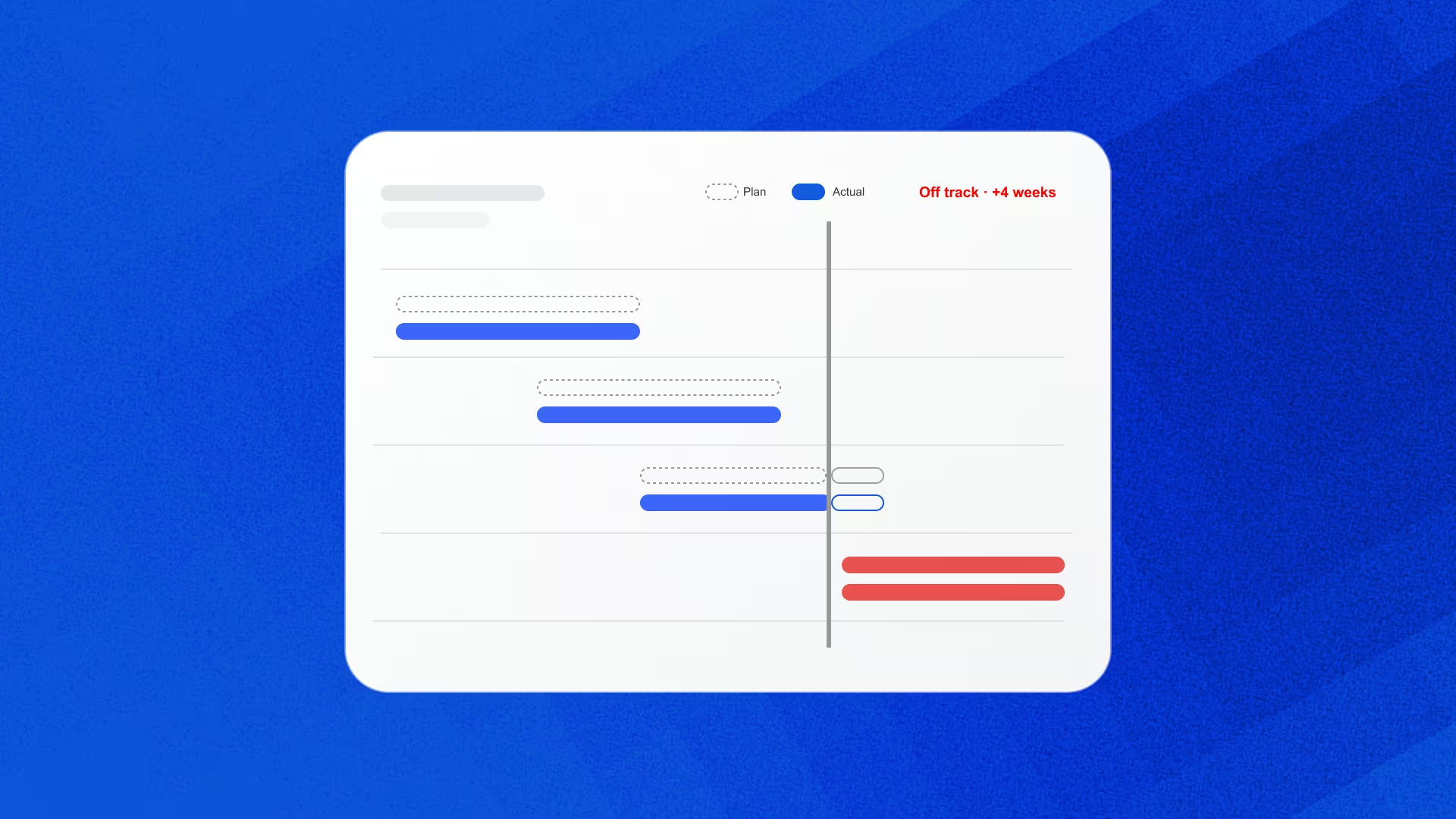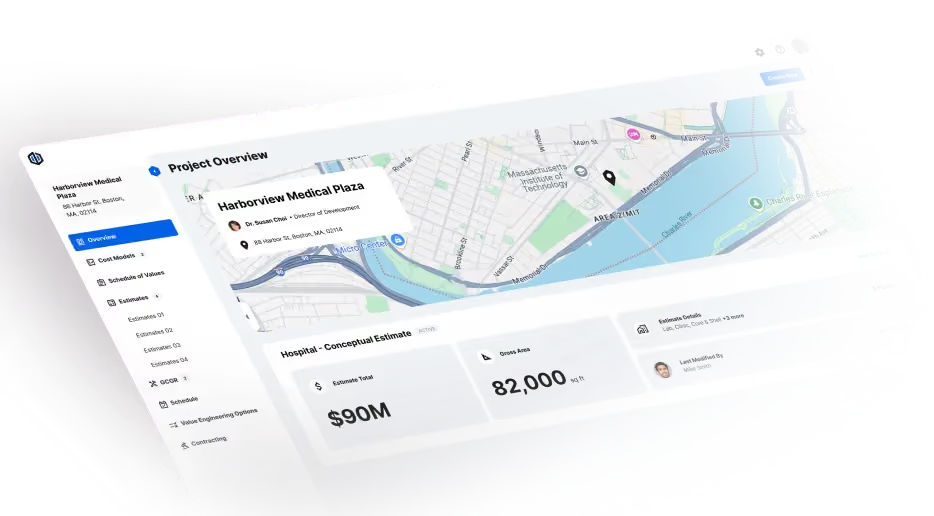
One of the most important questions in construction technology has lost all of its weight.
“Is this software cloud-based?”
Not long ago, the concept of “the cloud” was a reasonable way to separate older tools from newer ones. Today, nearly every vendor says “yes” to some degree.
It's yes for a desktop application running on a server in someone else's data center.
It's yes for an installed program whose files sync to SharePoint.
And, in at least one case, it's yes for desktop software because it can be downloaded from an app store.
The word has been stretched to cover where software is hosted, where files are stored, and whether you can open it in a browser. What it almost never describes is the underlying architecture. A real cloud-based tool is one shared web application, where the software, the data, and every calculation run in the same place and everyone works in the same live estimate at once.
For a while, the gap was more about convenience than anything else.
With one estimator, one file, and one number, it didn't matter much where the calculation lived, as long as it was right. Collaboration made it matter more.
And AI is about to make it matter a great deal more.
This guide is meant to explain why — and give preconstruction teams a technical, truthful guide for assessing cloud-based estimating software.
What it covers:
- The definition of cloud-based software
- The 5 kinds of "cloud" you're likely to be pitched (and what each can and can't do)
- Why the cloud is the only foundation for the upcoming wave of agentic preconstruction and AI
It's written for estimators and preconstruction teams, in real estimating terms, and built to be passed along, whether to a precon director weighing a platform decision or to an IT team that's been asked to approve one.
What does “cloud-based” actually mean?
A cloud-based software is a single, shared web application. The software, the data, and every calculation run on the platform's servers, and every user works in the same live record at the same time, through a standard browser, with nothing installed, streamed, or synced to their machine.
It’s a narrow definition, but it's meant to be.
The looser version, "software you reach over the internet", fits almost everything on the market, which is exactly why it no longer helps anyone choose. The truer version of this question asks not only where the software sits, but how it's built.
A tool is cloud-based only if it meets all four requirements below.
Requirement 1: It's built for the web
What it means: The software runs natively in a standard browser. Bringing someone into an estimate is as simple as sending a link.
What it rules out: Desktop software, including desktop software hosted on a remote server or delivered through remote desktop, Citrix, VDI, or app streaming, even when that stream opens in a browser tab.
A desktop app can look like the web from the outside. Underneath, it's still one person in one session, running software built for a single machine.
One of our Ediphi engineers Ryan Miller puts it rather bluntly, “Anyone could [build] a web app from scratch, but just 'shipping to the cloud'? It doesn't work."
Changing how software is delivered doesn't change how it was built.
Requirement 2: Everyone works in one shared system
What it means: Everyone works in the same live estimate at the same time, with changes from every user showing up for everyone as they happen.
What it rules out: Browser-based tools where each user works in a private copy of the estimate, or where an estimate has to be checked out or locked so only one person can edit it at a time.
"Cloud-based applications have to support thousands of concurrent users without compromising performance," says another seasoned engineer Grant Joy. "Achieving this requires carefully engineered systems."
That engineering is the critical point. When every user works in a separate copy, the system can only collect whatever each person saves.
Requirement 3: Calculations run on the platform's servers
What it means: Every formula runs centrally against the current shared inputs, and the result is saved as the record.
What it rules out: Calculations that run on the user's machine or inside their browser session, even if the results sync back later.
Estimates are fragile systems.
A single formula can ripple through quantity, rate, crew, material price, escalation, waste factor, location, and markup, touching thousands of line items.
When calculations run locally, each computer works from its own copy of the estimate, so your math may not include the rate a colleague changed five minutes ago. Whoever saves last usually wins, and the other change can quietly disappear. When calculations run on the server, every change lands on one official copy, in order, and the answer the server saves is the answer.
“Being hosted in the cloud is a hosting decision. Being cloud-based is an architectural one.” — Dustin DeVan, CEO at Ediphi
Requirement 4: All project data lives in one structured database
What it means: Line items, quantities, rates, and assemblies are stored as structured data the platform can read, so your entire portfolio can be searched, compared, and reported on at once.
What it rules out: Systems that keep a separate database for each project, office, or installation. Platforms where cross-project reporting means exporting data into a spreadsheet or a separate BI tool.
What did the curtain wall cost per square foot on our last five lab projects?
When every estimate is a separate file, answering it takes an afternoon of opening estimates and copying numbers. In a structured database, it takes a search.
Most teams aren't there yet.
In an Ediphi webinar poll, nearly 40% of attendees said most of their cost data lives in shared drives and folders, and another 33% said it's spread across multiple estimating tools. Only a handful said it lives in one structured system.
That gap is about to matter a lot more. As Dustin has put it: "AI is only as good as the data you feed it, and our [industry] data is a mess."
The five types of “cloud” you’ll be pitched
When three subs send in numbers for the same scope, nobody takes the totals at face value. You level the bids. You line them up, check what's included, and look for what's quietly been left out. The low number usually has an exclusion hiding somewhere.
Software demos deserve the same treatment.
The four requirements above are how you sort them out.
- Stop at Requirement 1 and you're running desktop software from somewhere else
- Stop at Requirement 2 and your team can't work on the same estimate
- Stop at Requirement 3 and two people can walk away with two different totals
- Stop at Requirement 4 and every project is an island
Some vendors will straddle buckets: a new browser module on top of a desktop core, or a cloud version that’s “on the roadmap.”
But, roadmaps slip for a reason. Research on cloud migrations found only 25% finish on schedule and a third fail outright.
One VP that lived through an active cloud migration said software vendors are forced to “run two separate businesses.” While they rebuild, the current product usually stops getting better.
So, our advice? When you’re evaluating software, don’t buy the vision. Take it for what it is today.
Why AI & agentic preconstruction is only possible with cloud-based software
The first wave of AI answered your questions. The next wave does work — real work.
It will check unit costs against your history, flags scope gaps, prices alternates, and tests what happens when the owner changes their mind for the third time this week. Eventually, dozens of AI agents will do that work at once, alongside your team.
For preconstruction, that’s good news.
There are never enough estimators, and the ones we do have spend far too much time on setup, data entry, and re-keying. AI that takes on that work and gives estimators time for the part only they can do: using human judgment.
There is a catch though (and most AI pitches skip right past it). AI can only do that work on top of software built to support it.
This section makes a simple case: only cloud-based software can support AI that does real work in preconstruction.
AI is only as good as your data
Ask a general-purpose AI what curtain wall costs and you’ll get a confident national average. Useful for a term paper. Less useful at a GMP review.
In an ideal world, the answer you get back sounds something like: “Based on three similar projects, this is what this trade-off actually costs.”
That level of specificity can only come from your own data, and the data has to be more than a column of numbers in order for AI to layer on top of it.
Our industry has never really defined what cost data is and what it should look like inside of a standardized system. In theory, useful and structured cost data captures four things:
- The decisions that were made
- The context around them
- The cost impact of each one
- The outcome once the building was actually built
That’s a high bar, and most of the industry’s attention is elsewhere. A lot of the money flowing into construction AI is going toward faster quantity takeoff and generative design.
“AI promises that it’ll reason for you. But few people are asking the question: reason with what?” — Dustin DeVan, CEO at Ediphi
In research from Dodge Construction Network and CMiC, 87% of contractors said they believe AI will have a meaningful impact on construction. In that same study, only 26% considered their current data quality as high, which the researchers directly identified as the biggest challenge to wider AI use.
Meanwhile, the early results are landing in estimating first.
The share of commercial specialty contractors reporting measurable business impact from AI rose from 17% in 2025 to 38%, led by — you guessed it — cost estimating.
So the appetite is there, and precon is where AI is showing up first. What most teams are missing is the ground underneath it.
What AI needs to do real work
For AI to produce a number your company can trust, the ground underneath it has to provide four things: reach, coordination, authority, and memory.
Each one is necessary. Take any of them away and AI either can’t do the work, or does it in a way nobody can trust.
Looking at the right column, we can say that the conditions for useful, profitable AI are the definition of cloud-based software.
AI has to invoke the same authoritative logic the platform already uses for everyone else — and only cloud-based software has one set of logic for it to invoke.
Where Ediphi stands
Ediphi was built cloud-native from the start. Nothing was migrated, and no cloud version is waiting on a roadmap. Here’s how it holds up against each requirement in this guide, using what teams on the platform have already seen.
1. It’s built for the web
Ediphi runs natively in a standard browser. There’s nothing to install, stream, or log into through a VPN, so bringing someone into an estimate takes a link and a sign-in.
That shows up fastest in adoption. Hensel Phelps estimators used to wait 5 to 10 minutes on VPN logins before they could open a virtual desktop estimate. With single sign-on, they’re in within seconds, and half of the company’s 200 estimators were on Ediphi within three months of signing. Read what their senior estimator has to say.
2. Everyone works in one shared system
In Ediphi, the whole team works in the same live estimate at the same time. Live presence shows who’s in the estimate and which tab they’re on, and an audit log records every change and who made it.
That’s what lets a team divide an estimate the way they divide the work. At Hoar Construction’s Austin office, a precon team of five or six splits every pursuit, with one lead and the others owning specific trades, and working at the same time means nobody has to schedule around anyone else.
“Ediphi has fundamentally changed how our team builds and manages estimates.” — Adam Stallman, Director of Preconstruction, Hoar Construction
Hoar is now scaling from a five-license pilot to 65 licenses across 13 offices. Here’s why they switched.
3. Calculations run on the platform’s servers
Every formula in Ediphi runs centrally against the one official estimate. Your company’s logic lives in one place, and every estimator, report, and total draws from it.
The same architecture holds up under heavy work: duplicate an estimate with thousands of linked line items and nested formulas, and everyone in the company immediately sees the same error-free copy.
4. All project data lives in one structured database
Every project in Ediphi lives in one database. Every line is coded to a bid package, every milestone is kept, and regional catalogs are maintained across the whole portfolio, so past work becomes data you can use on the next job.
At Landry/French, a junior estimator pricing an unfamiliar scope can right-click a line item and see that unit cost on every past project. This functionality goes all the way up to the top. For precon leaders, Project Grid View unites every past and ongoing project on one screen, grouped by industry, region, or design stage, with nothing to import.
This foundation is the part of AI nobody sees, and it’s what we’re building Ediphi AI on.
Ediphi AI: What we believe
Five principles are shaping how we are thinking about the future of AI in our platform.
- The data came first. We spent years organizing preconstruction cost data: every line coded, every milestone kept, every regional catalog maintained. Every project you run adds to it.
- Every number shows its source. When AI gives you a figure, it shows the project, estimate, and lines behind it, so you can check anything.
- Your data stays yours. AI works on your company’s own history, inside the permissions and SOC 2 Type II-audited security your team already has.
- You stay in control. AI supports your team and shows its work. It doesn’t decide your number, and it doesn’t change your estimate without your OK.
- AI goes where you work. It starts inside Ediphi and, over time, will reach you in the AI tools your team already uses.
Where you’ll see it
Because Ediphi AI runs on the same system of record as everything else in the platform, it can show up anywhere that record does:
- Insights inside your estimates
- Narratives on your variance reports
- Agentic workflows you confirm, across cost modeling, contracting, and GCs & GRs
- Eventually, estimates that start from your plans and specs
Soon to be released is Eddy — and it’s where most teams will meet Ediphi AI first.
Eddy is Ediphi’s AI assistant. You will be able to ask about any estimate or past job, like what you carried for the curtain wall on your last few lab projects, and get the answer in seconds. Eddy shows the range and how many jobs it’s drawn from, and every figure opens the lines it came from. Eddy reads the same live record your team works in, within each person’s permissions, and there’s nothing to install when it arrives.
The question has weight again
“Is this software cloud-based?”
AI gives the answer more importance than ever. The software you choose now decides what your AI will be able to see, reach, and trust later, and whether every estimate your team builds this year counts toward that.
Every estimate run in a shared, server-calculated, structured system becomes history AI can use. Every estimate locked in a file, a private copy, or a siloed database stays there.
So the next time a vendor says “cloud,” level it like a bid. Ask the four questions, watch for the exclusions, and judge the platform on what it does today.
Your next estimate is the first piece of history your AI will draw on. Build it somewhere that keeps it.
To see Ediphi on your own estimates and request early access to Eddy, reach out to us here.